
- français
- English
Part II
I am working on a set of tools that enable the user to either write their own shaders or use a collection of nodes in Webots to bring a spark to their scenes. In particular they will be able to provide texture maps to an object and enhance the appearance quality much like other programs such as Blender, cinema4D or Untiy do.
There are two branches of the rendering pipeline in webots. One is webots' own system, unavailable to the user, and the other is the open shader system a user can employ to write their own rendering routines. This last instance is portable to the X3DOM environment and is used in custom nodes to allow more flexibility in material appearances.
Material Appearance
Fresnel effect
Everything has Fresnel! The Fresnel effect can be seen most notably on reflecting surfaces such as water. When facing perpendicularly a body of water one can often see the floor, while at grazing angle what the surface shows is the reflected background, i.e. reflective power increases with viewing angle (wrt the normal). My current implementation is not physically accurate because I tried to mix diffuse and specular reflections together in order to produce a compelling result.
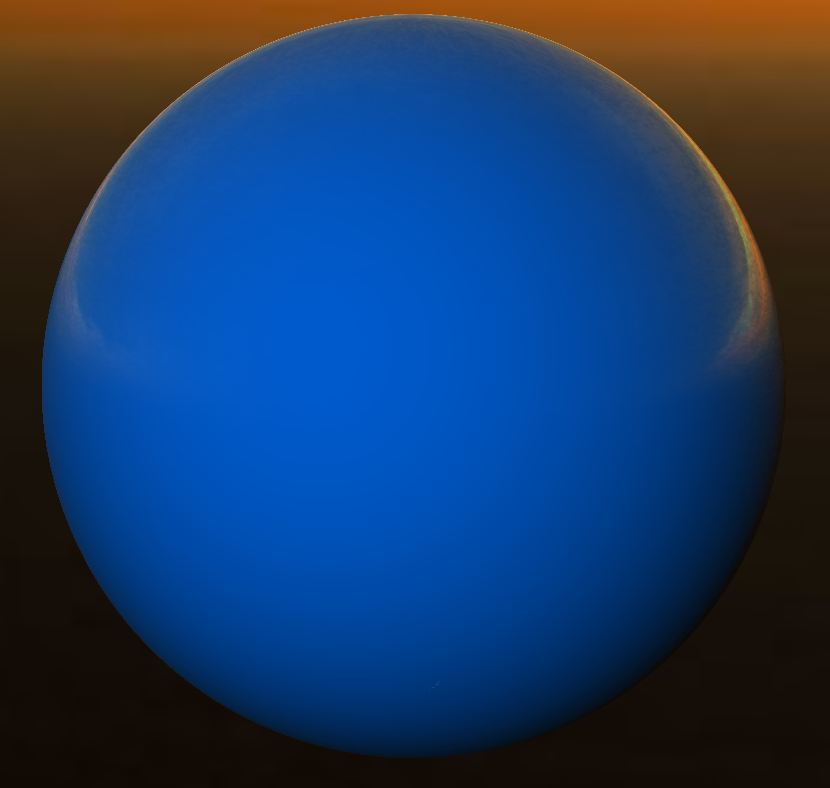
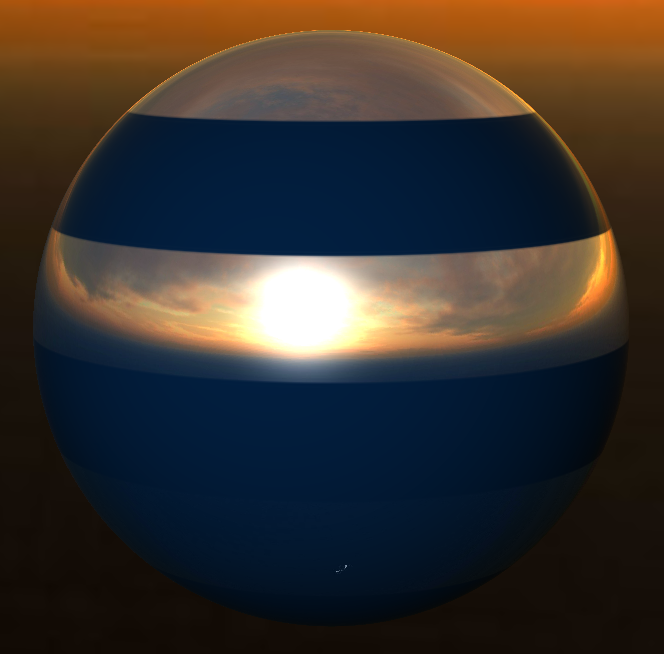
On the left we can see a ball reflecting the background sunset and on the right an interlaced sphere showing specular differences. At that point the shader used to produce these images is optimised to take into account a specific set of maps, namely diffuse, normal, specular and environment maps. This widely used model actually does not fit to the physical reality of reflectance but instead lets a user or artist tweak parameters in order to obtain a desired image. The major downside of this method is that every object is very sensitive to lighting conditions in the scene and potentially requires excessive tweaking, because of this I will focus on the physically based rendering (PBR) method that follows the principle of conservation of energy. Doing so will allow for default parameters to be more readily accurate and require less adjustments.
Environment reflections
One of the aims of my work is to be able to apply reflections on buildings in city or village scenes. Environment mapping is extremely useful in this case because simple specular reflections of light sources is not enough to convey a convincing façade look.
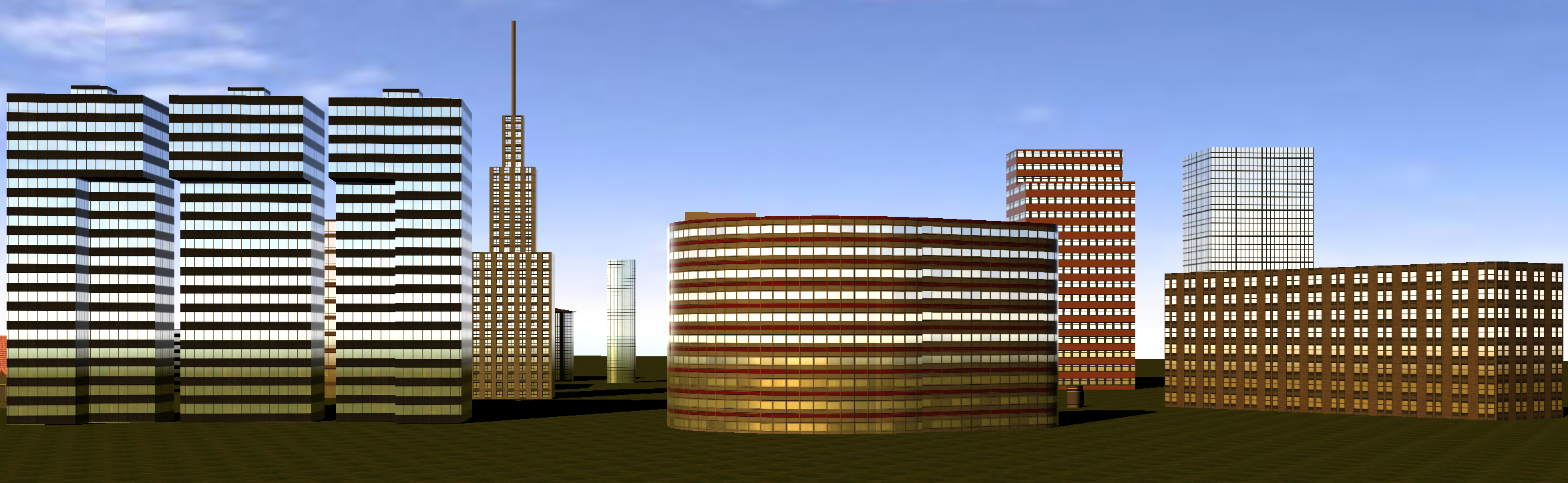
This image shows buildings reflecting the sky thanks to the same cubic texture the background cube map uses. Each of these buildings is a PROTO specially written to produce a specific type of edifice, to which a special - possibly user-defined - set of shaders is applied. In addition to the skydome, the ground texture is queried using a reflected ray on the surface to give the illusion of a floor. Lighting on the ground is therefore also computed during the same fragment pass, effectively making this approach a one-bounce raytracer.
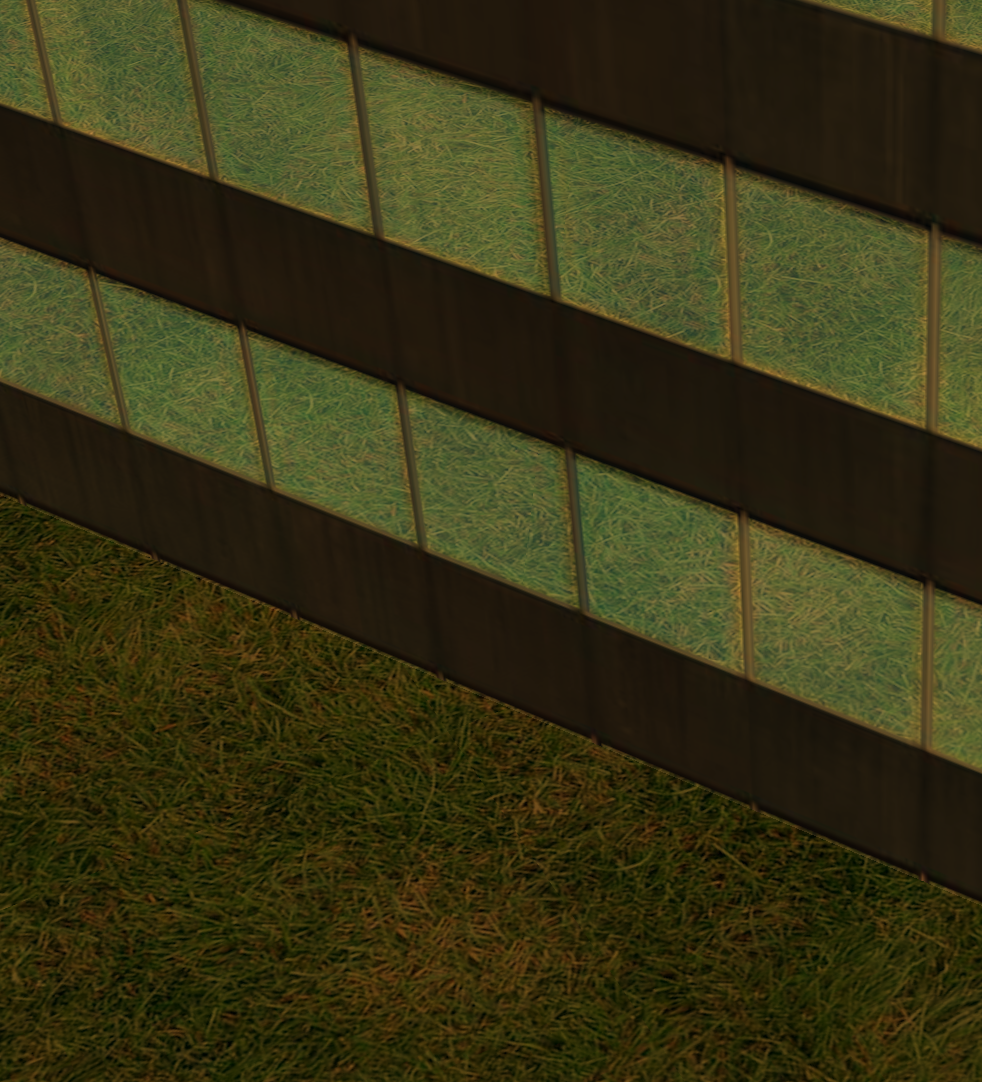
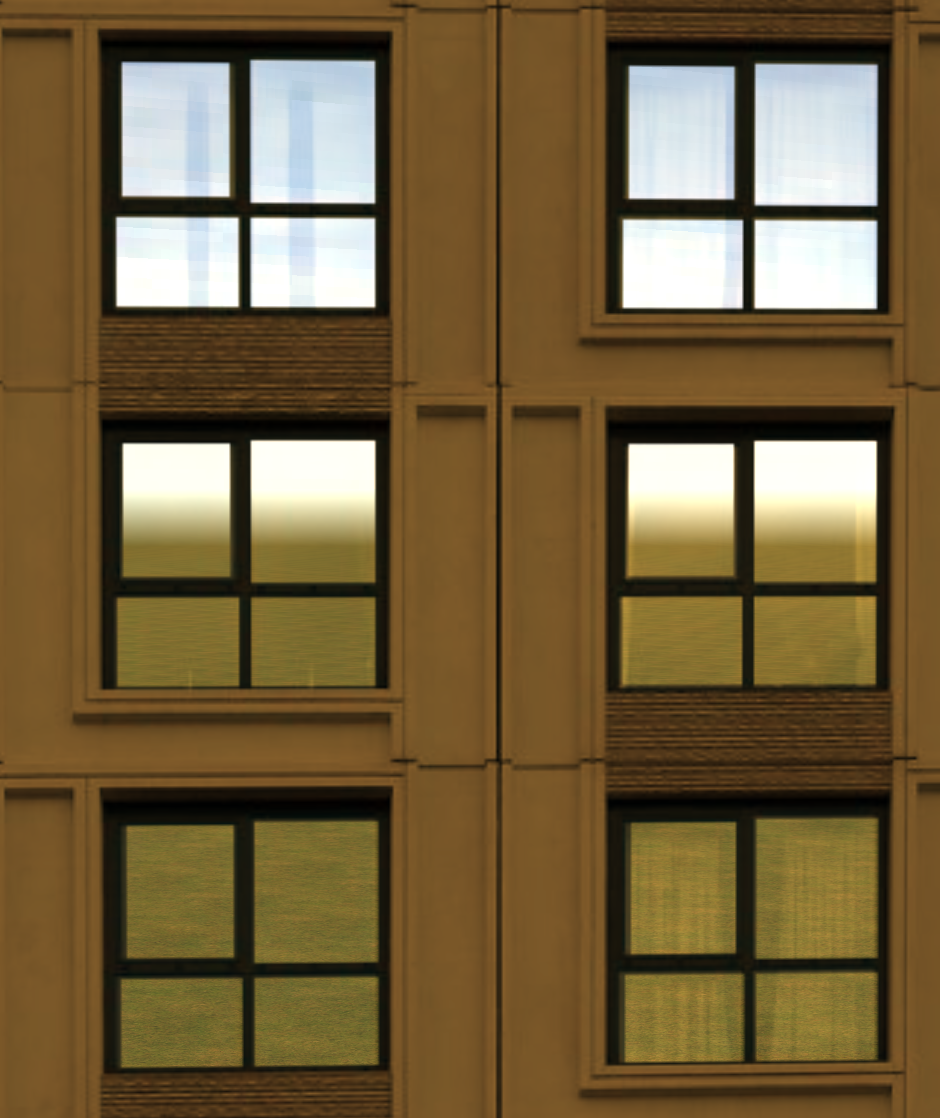 On this image you can see details of the underlying texture being blended in with reflected ground and sky textures.
Anisotropic Filtering
Repeating texture on large or tilted surfaces can sometimes produce artefacts due to aliasing effect. New patterns emerge due to these and the resulting image can look disconcertingly wrong. To tackle this problem a commonly used method is mipmapping, or the use of subsampled versions of the same texture to reduce the frequency of the original pattern. This works well on uniform isotropic textures but does not help when features tend to exist differently in several directions, as is the case of road lines for example. Anisotropic filtering is the most used solution to this problem, as it subsamples the texture in both x and y directions, much like mipmapping did.
I did some performance and visual quality tests using various levels of anisotropic filtering on two significant worlds, one relatively small and the other bigger, to see how such a method would scale. AF levels are usually incremented in powers of two, and frequently range from 2 to 16 (setting it to 1 is equivalent to disabling the filtering pass). Visually the most noticeable effect is that at a distance the texture will look much crisper at higher levels.
[will continue using this and images]
PBR
I will use the physically based rendering method to improve and facilitate the creation of realistic materials.
[details to come]
Shadow mapping
Currently Webots uses stencil shadows (or shadow volumes) to render shadows, but due to several inconvenients is starting to deviate towards texture shadows (or shadow mapping).
Why not keep stencil shadows?
Stencil shadows are a good bet when considering shadow quality because of the relative credibility of the render. Indeed, the crispness of the edges is not very realistic, but set that aside and all the problems texture shadows have are ridiculously non-existant. On the other hand because of how they are produced (on the CPU), they can be a bottleneck for the rest of the application. Add to that the fact that the resulting volumes cannot be accessed through a shader (necessary to our application), and the relative difficulty to setup and extend, we can see that shadow mapping is becoming more attractive / a necessity.
Shadow mapping it is, then
Before going all-in with texture shadows though, let's review the drawbacks and options. We have to be aware that all shadow techniques are hacks, there does not exist an accurate method for rendering shadows in real-time yet. Every one of them suffers from specific unfortunate disadvantages, but we will see that luckily enough we can combine several of them together in order to achieve more convincing results.
Drawbacks
The first two obvious pitfalls of shadow mapping are shadow acne and peter panning. The former is a direct cause of discretisation, giving rise to unwanted patterns on the surface of a lit object. The latter is often due to an attempt to resolve the former using an offset. Without further intervention, projected shadows are hard-edged and often pixellated, which leads us to explore soft edge techniques and perspective correction. While delving into soft shadowing quickly introduces new artefacts such as light bleeding, swimming edges are the new complication of the second idea.
Ogre
[lost in saving process]
Passes
[lost in saving process]
OpenGL 2.1
[lost in saving process]
Preprocessor macros
[lost in saving process]